WordPress Menu
Navigation Menus, or simply Menus, are a WordPress theme feature which allows users to create navigation menus by using built-in Menu Editor located in WordPress admin area under Appearance » Menus.

Last Updated on May 12, 2022
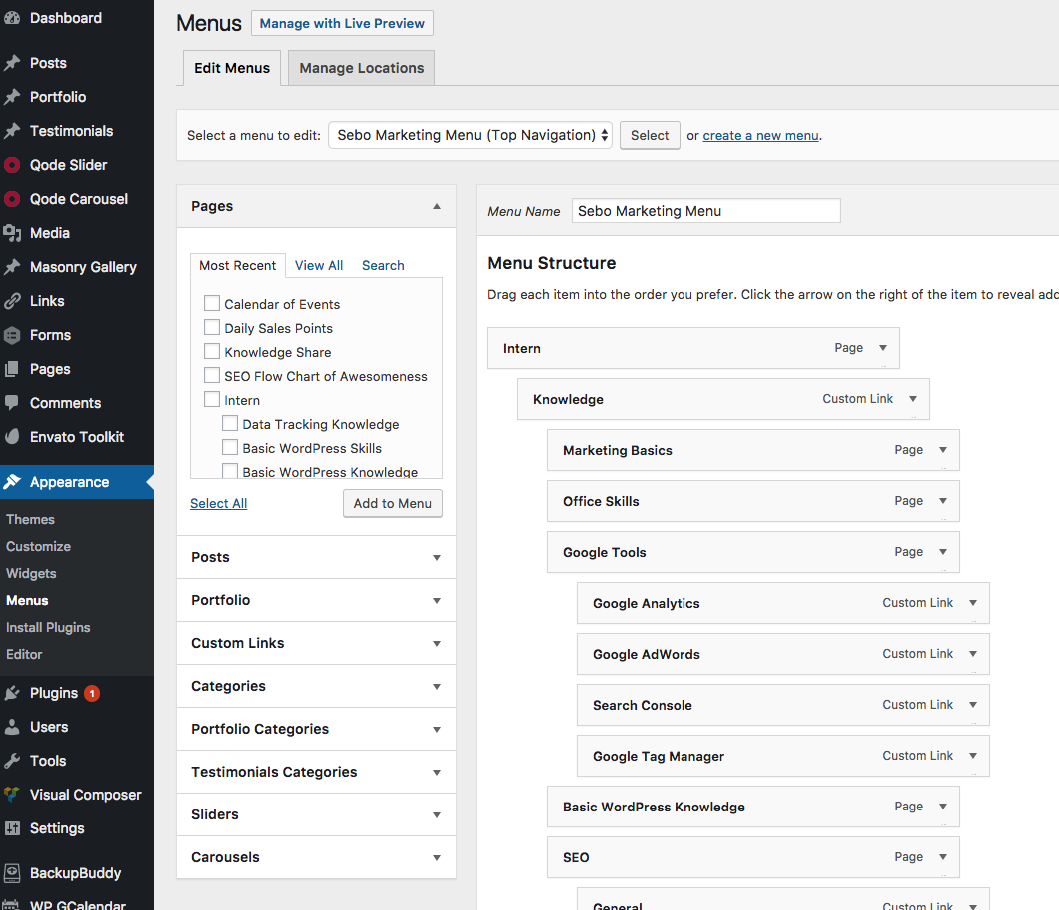
Navigation Menus, or simply Menus, are a WordPress theme feature which allows users to create navigation menus by using built-in Menu Editor located in WordPress admin area under Appearance » Menus.

Here is a picture of what the menu screen looks like.
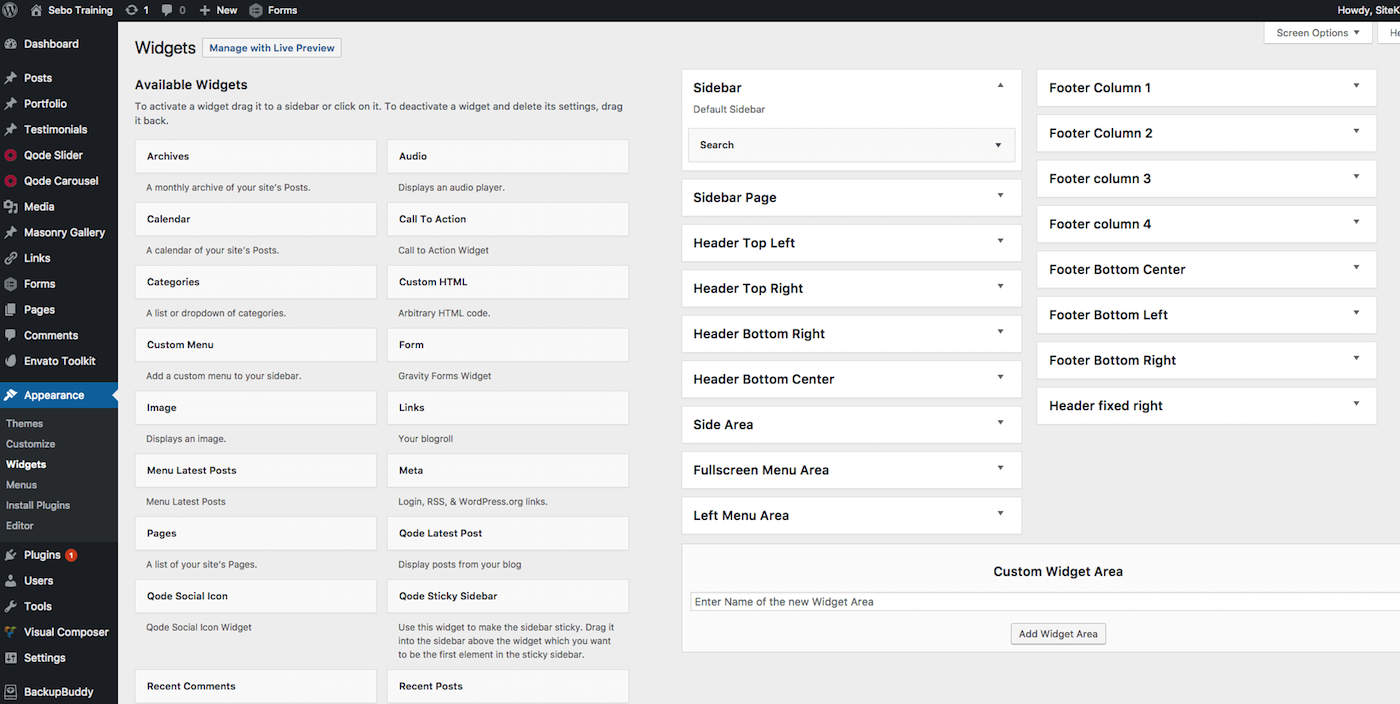
A WordPress Widget is a small block that performs a specific function. You can add these widgets in sidebars also known as widget-ready areas on your web page. WordPress widgets were originally created to provide a simple and easy-to-use way of giving design and structure control of the WordPress theme to the user.
With current design trends, widgets are not used as often as they once were used. The best use case for widgets is when you have a “widget” or some piece of information that you want in multiple locations throughout the website. For example, most websites use widgets to populate the footer or sidebar because those areas will be the same on every page you visit so you can make edits to one place and affect all of the pages.
The Settings tab in WordPress Admin sidebar is the central hub to configure settings for different sections of a WordPress website. It contains multiple sub-panels and many WordPress plugins also add their settings page as a menu under the Settings tab. Clicking on it takes users to the Settings » General screen. Other default sub panels under the settings tabs are Reading, Writing, Discussion, Media, and Permalinks.
General contains settings such as Site Title, Tagline, WordPress URL, Site URL, E-mail, Registration option, and many other general options for the WordPress site.
Reading contains settings related to Site Front Page, How many posts to show per page to readers, RSS items to be shown, whether full text or summary should be shown, and an option to discourage search engines from indexing the website.
Permalinks are the permanent URLs to your individual pages and blog posts, as well as your category and tag archives. A permalink is the web address used to link to your content. The URL to each post should be permanent, and never change — hence the name permalink.
When referring to permalinks, we typically only refer to the portion of the WordPress URL for a specific page which you are able to set.
