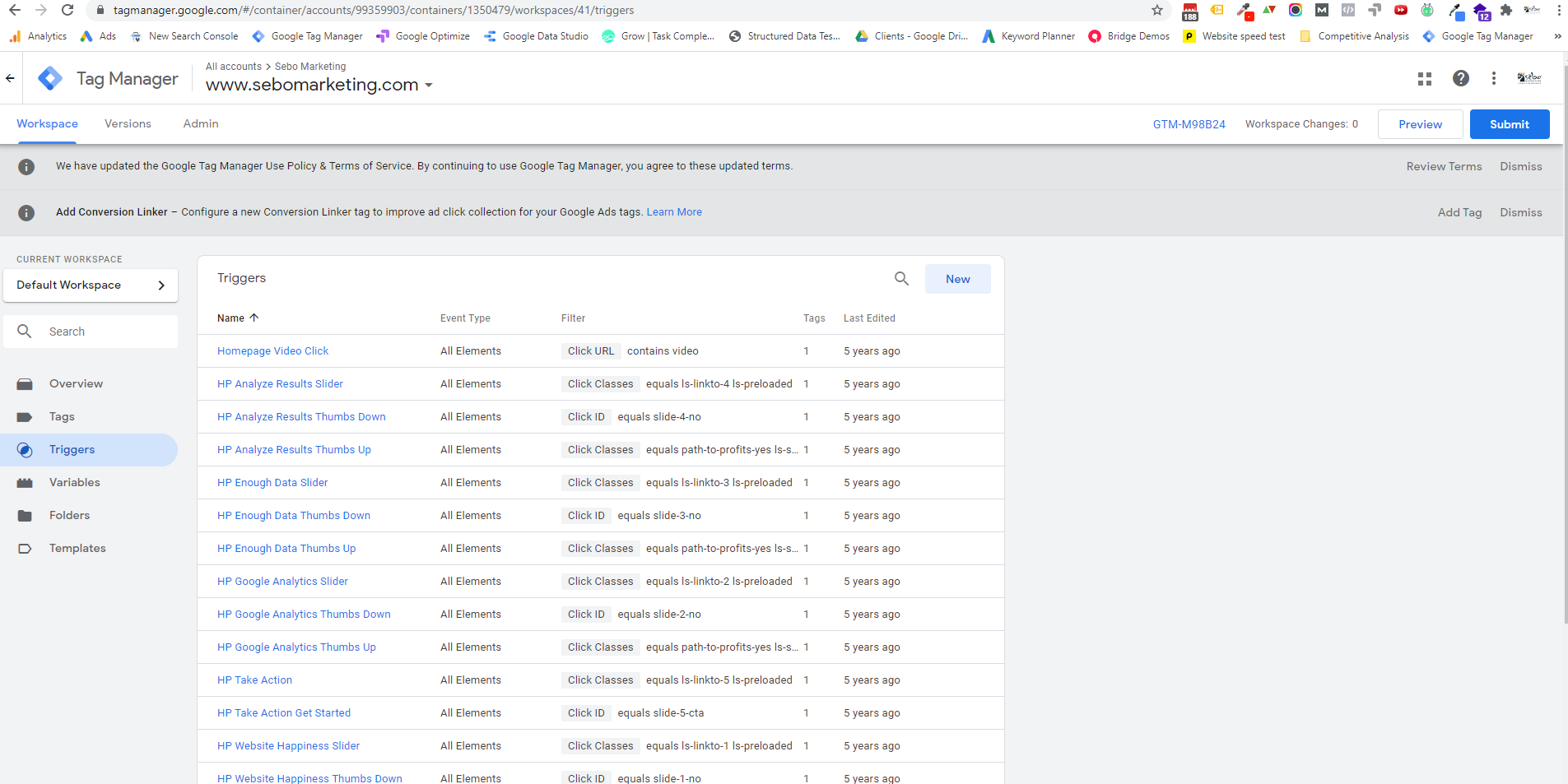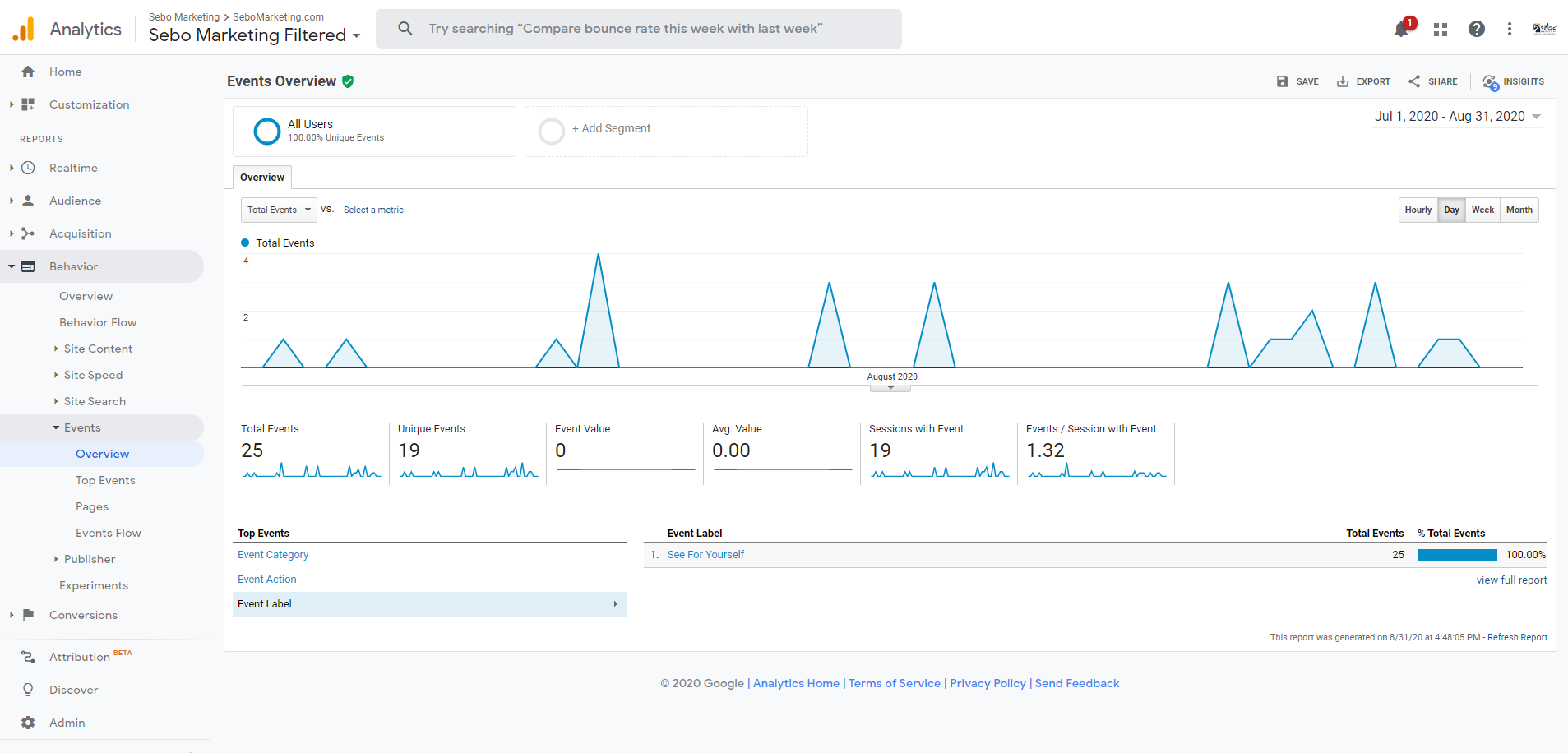
We use Google Tag Manager to track things that can’t otherwise be tracked with Google Analytics.
Last Updated on May 12, 2022
Google Tag Manager: Key Concepts
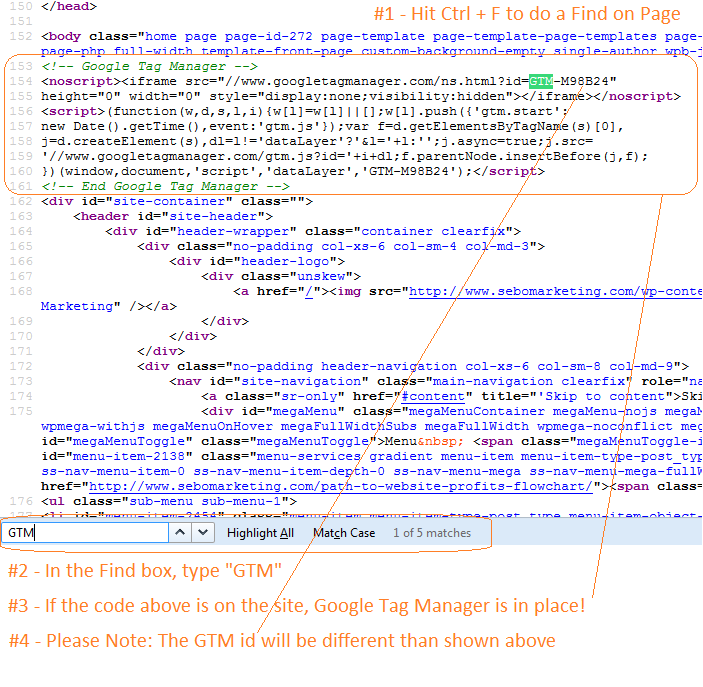
Find the Tag Manager ID for a Website Inside the Source Code
- Click Cntl + U on a page on a website
- Click Cntl + F & search for “GTM”
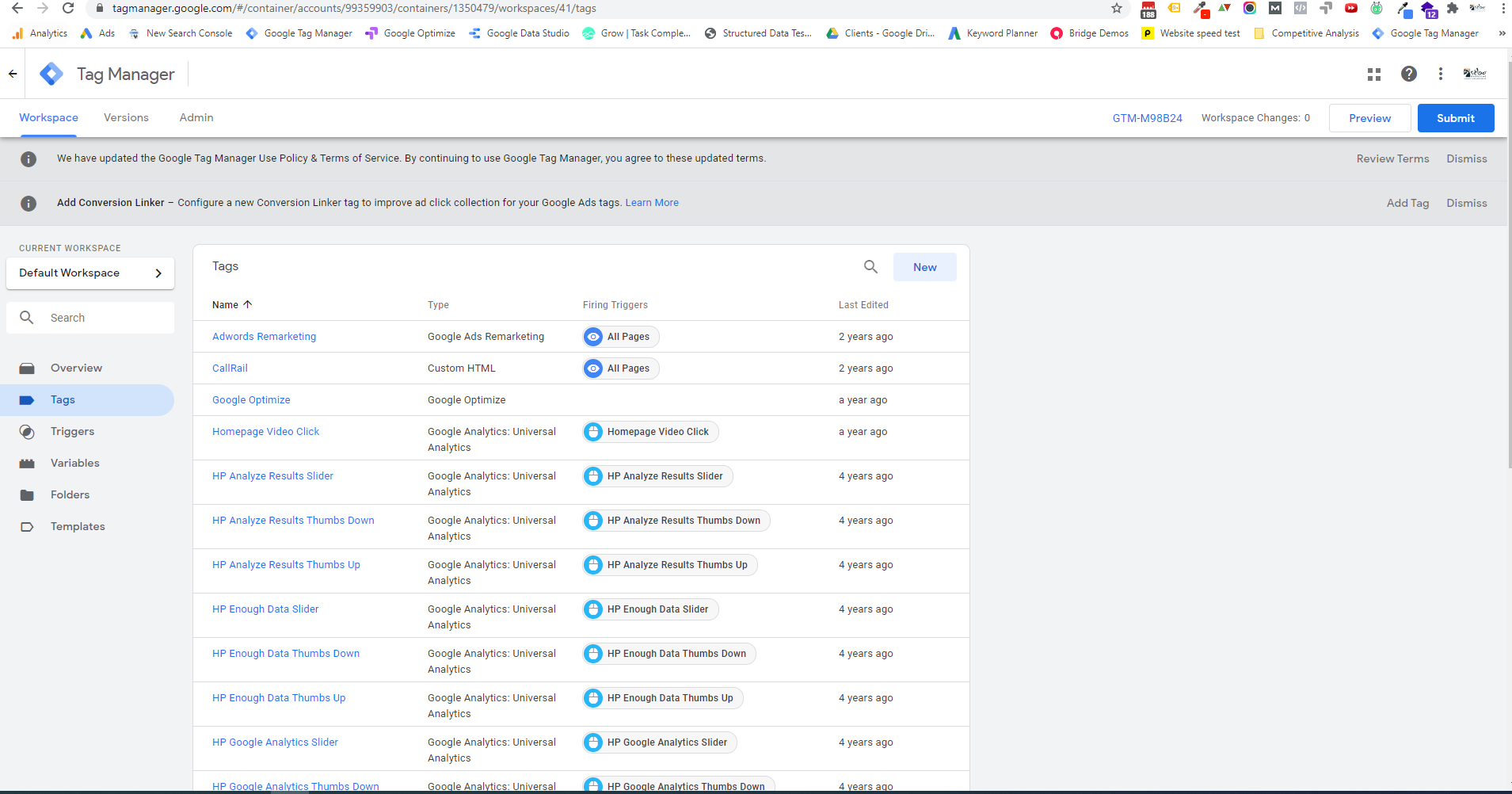
View Tags in Place
View Triggers