Last Updated on October 12, 2026
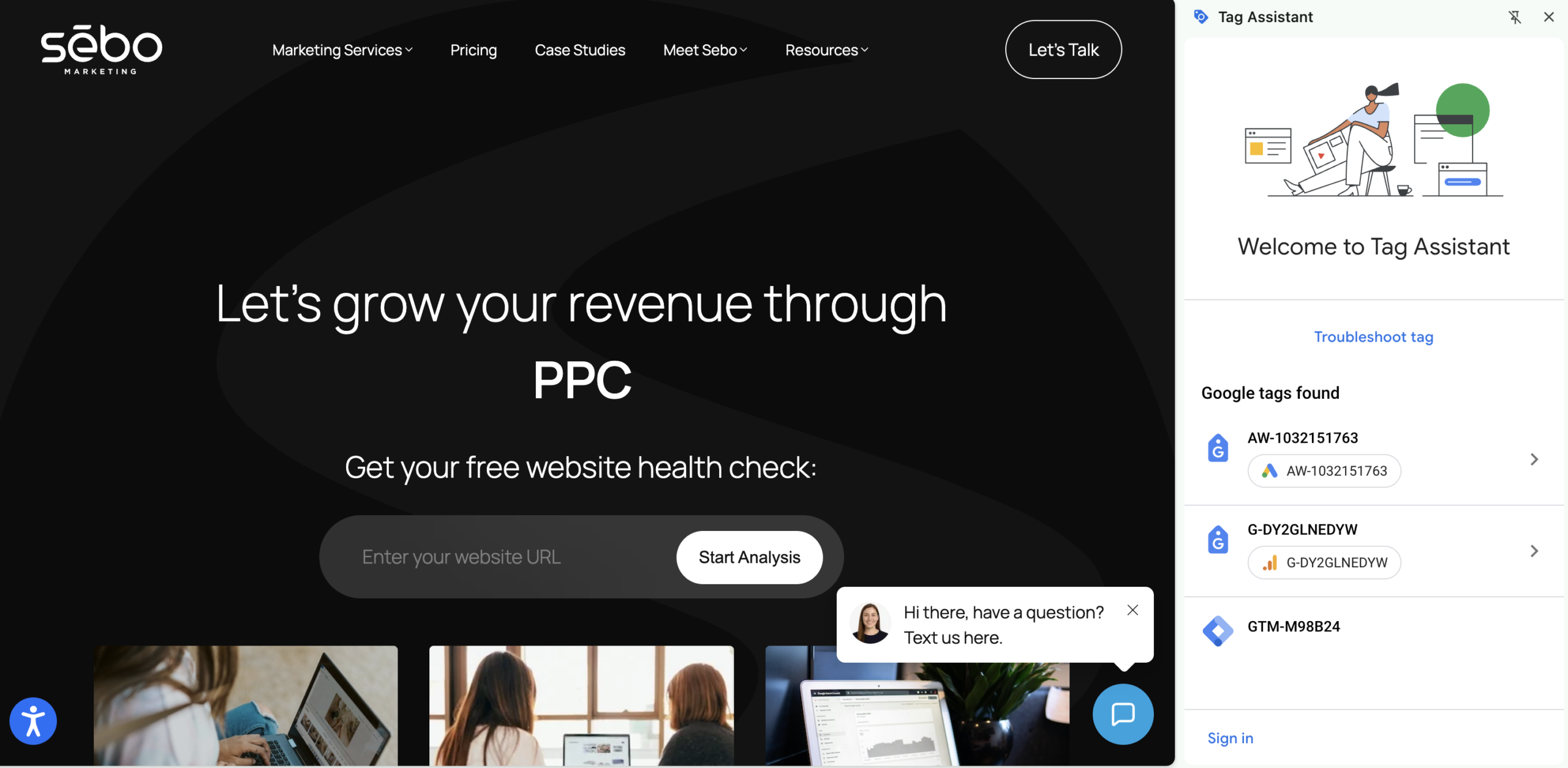
To check what data tracking is set up on a site, we typically use a Chrome extension called Tag Assistant. Note that this will not show you Search Console.
You can also go into a site’s source code to see if they have Tag Manager or Analytics set up.
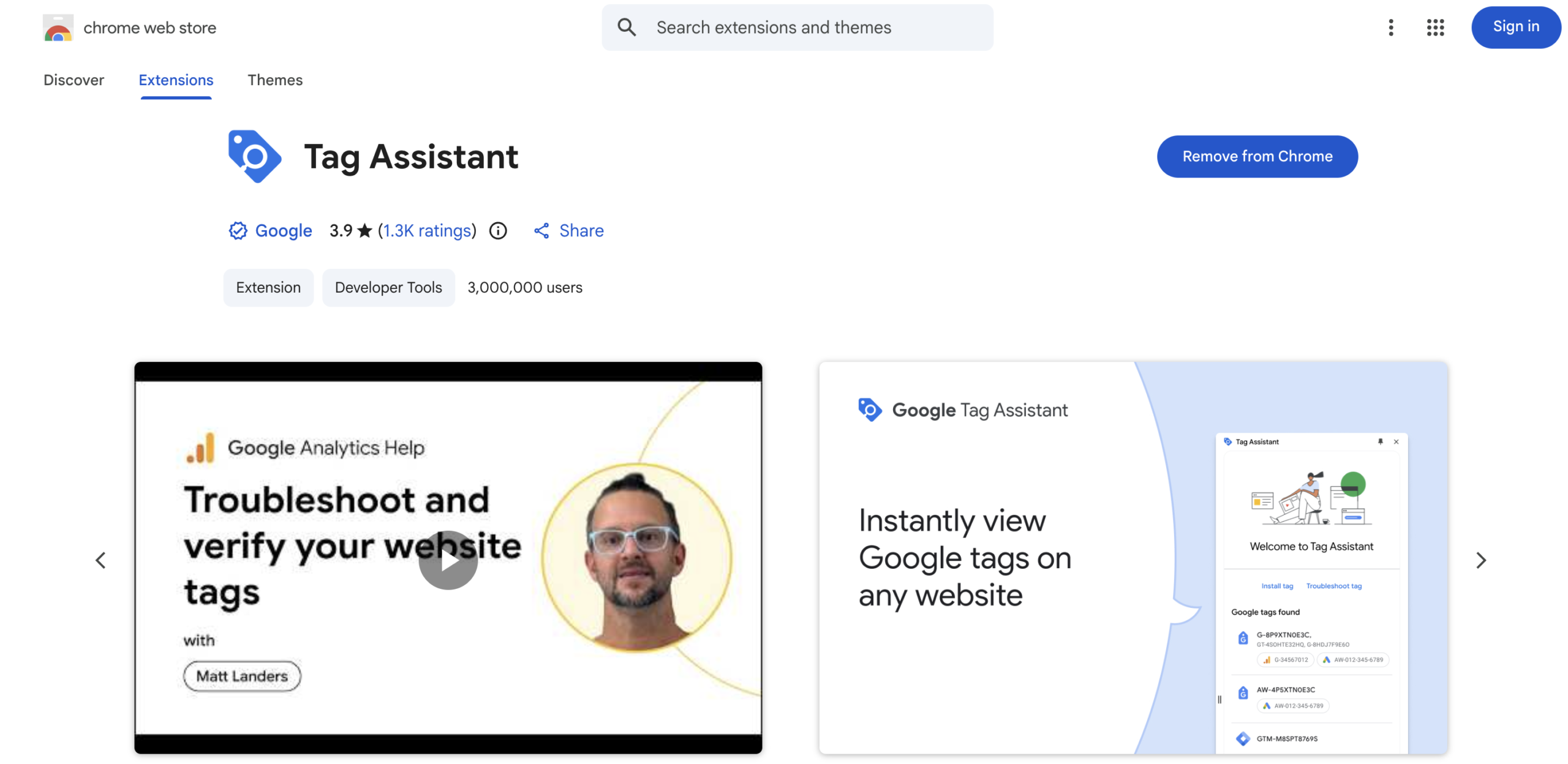
If you haven’t installed the Tag Assistant Chrome Extension, go to the Chrome Extension store and search “Tag Assistant” and add it to your Chrome.
Now, go to a site and click on the Chrome extension. Tag Assistant will show up on the right side of your screen. Now you can see what is set up on the site!